
SlotLounge App Australia — Mobile Play Without a Download
Most Australian players reach this casino and immediately search some version of “SlotLounge app download”. The short answer: there is nothing to download. No APK sits on the operator’s servers, and nothing is listed in the App Store or on Google Play. What you get instead is a browser-based casino that pins an icon to your home screen and then behaves much like an installed app. This page walks through what that means in daily use: how to set it up on Android and iOS, what the mobile build handles cleanly, and where it falls short of a native client. For the operator itself, the bonus ladder and payout behaviour, see our full brand review.
Is there a SlotLounge app to download?
No. Search both app stores under the brand name and its variations and nothing comes back; the mobile footer where operators normally park their store badges is empty too. There is no Android package and no iOS build. The casino runs entirely in the browser on HTML5, the same technology the desktop lobby uses, resized and re-laid out for a phone screen.
This matters because plenty of pages promise an APK anyway. Some link to a repackaged file on a third-party mirror, some point at a generic casino wrapper, and a few just hand you the mobile site with “download” written above the button. Installing an unsigned gambling APK from an unknown mirror is how people end up with a client that quietly rewrites its own affiliate tag, or something worse. When a page offers a SlotLounge APK complete with a version number and a file size, that tells you more about the page than about the casino.
SlotLounge holds a Curaçao gaming licence, which is an international licence rather than an Australian one, and it says nothing about apps either way. Plenty of Curaçao-licensed brands ship native clients; SlotLounge did not. That choice has grown common since Google and Apple both tightened their rules on real-money gambling apps outside a short list of regulated markets.
Open SlotLounge in your mobile browserHow to install SlotLounge on your phone
A progressive web app is a website your phone is allowed to treat like an application: it gets its own icon, opens in a window without the browser address bar, and holds a place in the task switcher. Setting it up takes under a minute and never touches a store. Do it after you register on mobile, so the saved session carries into the installed shortcut.
Android (Chrome)
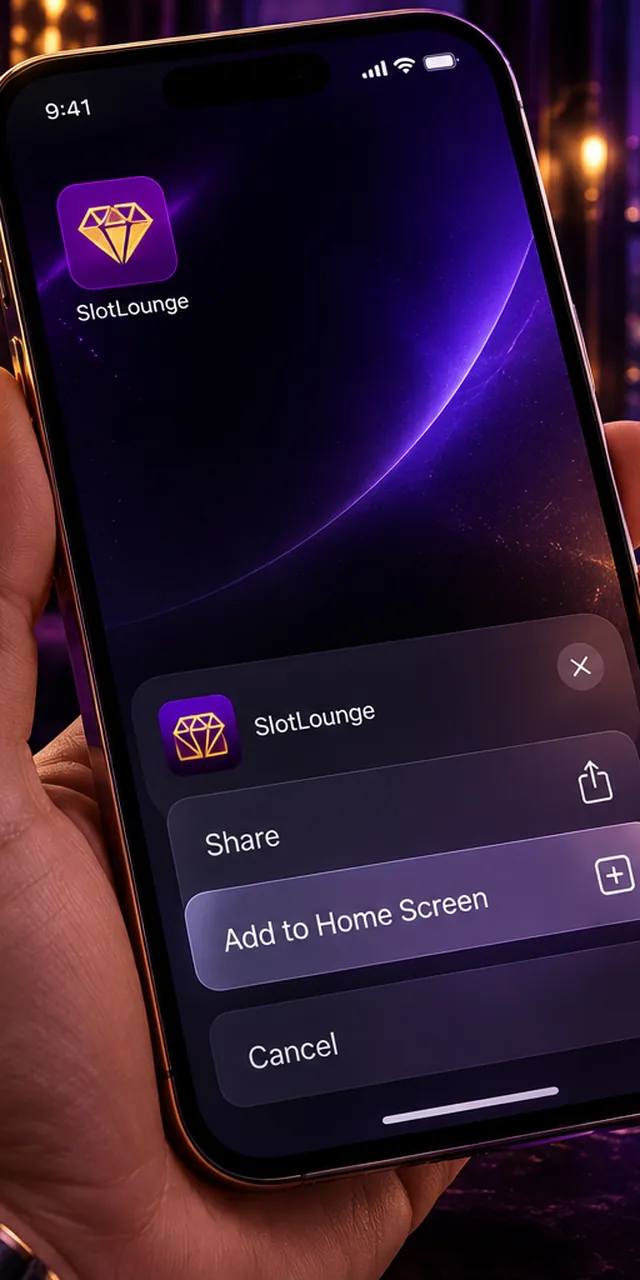
Open the casino in Chrome and let the lobby finish loading, because the install prompt will not appear on a half-rendered page. Tap the three-dot menu in the top right, then look for Add to Home screen or Install app, depending on your Chrome version. Chrome shows a small preview with the site icon and name. You can rename it there, which is worth doing if you would rather the icon read as something neutral on a shared phone.
Confirm, and the icon lands on your home screen. On most Android 13 and newer devices it opens in a standalone window with no visible browser chrome, and Android keeps the session alive in the background the way it would for any installed app. Samsung Internet handles this the same way through its own menu. Firefox for Android supports it too, though its standalone mode still shows a thin bar at the top on some builds.
iPhone and iPad (Safari)
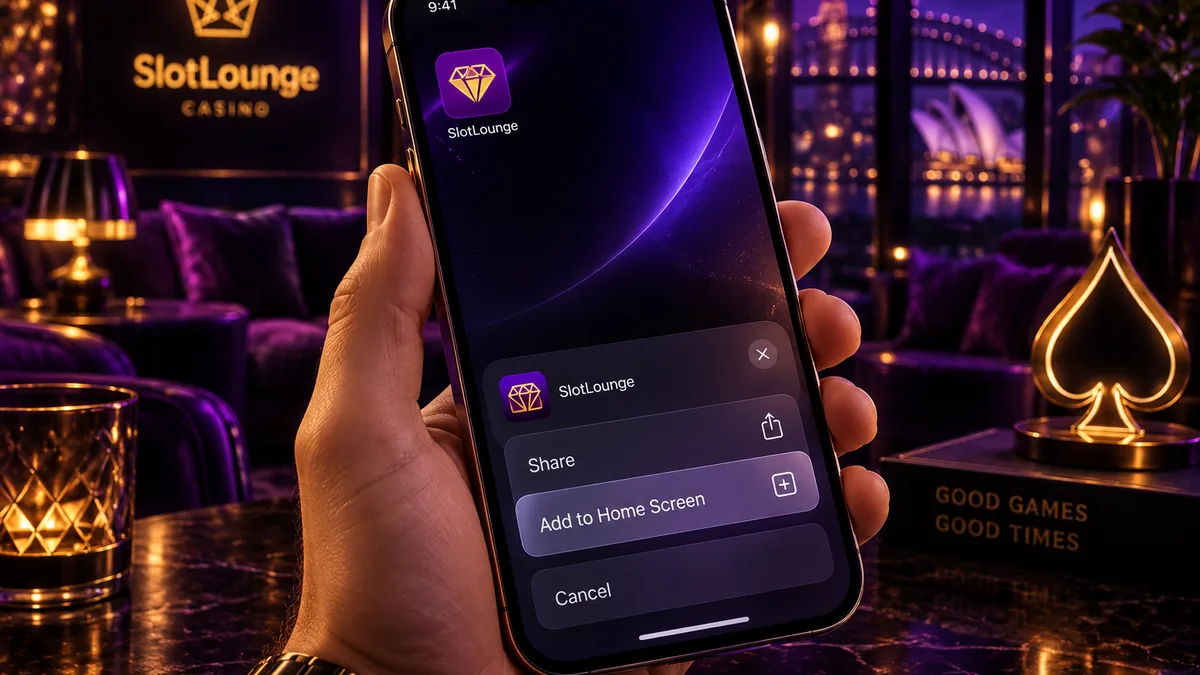
iOS is stricter: only Safari can create a working home-screen app, so this will not work from Chrome or Firefox on an iPhone even though both are available. Open the site in Safari, tap the share button in the bottom toolbar, scroll the list of actions down past the copy and bookmark items, and tap Add to Home Screen. Name it, tap Add, and the icon appears on your last home-screen page.
The result comes closer to a real app than most people expect: full screen, no address bar, a proper card in the app switcher. Two iOS caveats are worth knowing first. Web apps on iPhone cannot send push notifications unless you install them this way, and even then support depends on your iOS version, so promotional alerts stay unreliable. Safari also clears storage for sites you have not opened in a while, which can log you out of the shortcut after a long gap.
What the mobile version gives you
The comparison that matters is not app versus no app. It is the installed web app against a native client you would otherwise have downloaded. For the things that decide whether a casino is pleasant on a phone (game coverage, cashier access, session stability) the difference is smaller than the marketing around APKs suggests. On a few platform features it is real and permanent.
| Feature | SlotLounge mobile web / home-screen app | A typical native casino app |
|---|---|---|
| Game library | Full lobby, several thousand titles, identical to desktop | Often a trimmed selection, expanded over updates |
| Live dealer tables | Evolution streams run in the browser player | Same streams, sometimes a slightly lighter player |
| Storage used | A few megabytes of cache; no install package | Commonly 40–120 MB, growing with each update |
| Updates | None — the site is always current on load | Manual or store-managed updates |
| Works offline | No; every session needs a connection | Also no for real-money play, but the shell opens |
| Push notifications | Unreliable on iOS, limited on Android | Full support on both platforms |
| Biometric unlock | Browser password autofill only | Face ID / fingerprint at launch |
| Availability | Any device with a modern browser | Blocked by store policy in many markets |
Performance on a mobile connection
Load time is what players feel first, and it depends far more on your connection than on whether an icon sits on the home screen. The lobby is image-heavy, since every pokie tile is a thumbnail, so the first open of the day is the slow one and everything after that pulls from cache.
Speed tracks your signal rather than the casino. On home Wi-Fi or a strong 5G reading the lobby opens quickly. On a congested 4G cell in a crowd, or on regional coverage that has dropped back to 3G, the same page can crawl while every thumbnail loads. None of that changes once the shortcut is installed, because the installed web app and the browser tab fetch exactly the same assets from exactly the same servers.
Two practical points follow. Regional 3G-grade coverage makes the lobby sluggish but leaves individual games playable once they load, because a running pokie sends very little data. Live dealer video works the other way round: it needs steady throughput for the whole session, so a connection that merely dips will cost you a table far more often than it costs you a spin.
Playing pokies and live tables on a phone
Pokies are where the mobile build is strongest. Providers like Pragmatic Play, Play’n GO, Hacksaw Gaming and NoLimit City have designed portrait-first for years, so their titles fill the screen properly, keep the spin button under your thumb and leave paytables readable without pinch-zoom. Autoplay and quick-spin controls sit where they do on desktop. Nothing in the mobile pokies lobby is held back for desktop users, and the filters, provider list and search all carry over.
Older Microgaming and NetEnt classics are the exception. Some still assume landscape and will either letterbox in portrait or ask you to rotate, which is mildly annoying on a phone you are holding one-handed on a tram.
Live dealer is a different proposition. The Evolution player scales down well and the bet spots stay tappable, but roulette and blackjack layouts get cramped on anything under about six inches, and side bets in particular turn into small targets. Rotating to landscape fixes the geometry at the cost of the on-screen chat. Data use is the other thing to weigh: a stream runs roughly 60–120 MB per half hour depending on quality, worth knowing before you open live tables on mobile on a capped plan.
Deposits, withdrawals and verification from mobile
The cashier is the same one desktop uses, and it benefits most from having an icon on your home screen: you skip the browser and the session is usually still live. Minimum deposit is AU$30, and the casino accepts AUD directly, so nothing is converted at the door.
Card deposits trigger your bank’s 3-D Secure step, which on a phone means jumping to your banking app and back. That handover is where sessions occasionally break: if your banking app takes long enough, Android may drop the casino tab from memory. Approve the payment and return promptly, rather than checking messages in between, and you avoid most of it. Neosurf works from mobile as a deposit method but cannot be used for withdrawals, so choose your funding method with the cashout in mind. Crypto deposits are the easiest on a phone because the QR code scans straight from your wallet app. The full breakdown of methods and timings sits on the page about how to deposit from your phone.
Verification is the step people underestimate. KYC is required before your first withdrawal, and the phone is the better device for it: you photograph your driver licence or passport with the camera already in your hand, instead of hunting for a scanner. Documents are reviewed within about 24 hours, and payouts land within roughly 24 hours after that, with crypto usually quicker. Upload in good light with all four corners visible, because blurred edges are the most common reason a document comes back rejected.
Set up your mobile accountCommon mobile problems and fixes
The icon opens with a browser bar instead of full screen
On Android this usually means the shortcut was created as a plain bookmark rather than an installed app — Chrome offers both and the wording is similar. Delete the icon, reopen the site, wait for the lobby to render fully, then use the menu again and pick the entry that shows an install preview with the site icon. On iPhone the same symptom appears when the shortcut was made from Chrome instead of Safari, which iOS only ever treats as a bookmark.
Live dealer video stalls or drops to audio only
The player reduces quality before it drops frames, so stuttering means throughput has fallen rather than that the table has crashed. Lower the stream quality manually in the player settings, close other tabs, and if you are on Wi-Fi at the edge of range, switching to mobile data is often the faster fix. Never close the tab mid-hand — the bet stands whether or not you can see it, and reopening the table restores your seat.
You get logged out every time you switch apps
This is almost always private browsing or an aggressive tracker-blocking setting clearing the session cookie. Open the casino in a normal tab, and on iOS check that Prevent Cross-Site Tracking is not interfering. Battery savers on Samsung and Xiaomi handsets also suspend background tabs hard, so excluding your browser from optimisation solves it. If the session is genuinely expiring, the fix is on the page about how to sign in on the app.
The site loads but games will not start
A game tile that spins forever while the lobby works normally points at a stale cache from an earlier version of the client. Clear the site data for the casino in your browser settings and reopen; the home-screen icon keeps working afterwards, you will just sign in once more. Corporate or school Wi-Fi that filters gambling domains produces the same symptom, since the lobby comes from one host and the game feed from another.
The home-screen icon disappeared on its own
On iPhone this is usually Safari reclaiming storage after a long gap between visits, which removes the shortcut along with its cached data. Adding it again from Safari restores it in seconds, and signing in once rebuilds the session. On Android a system update or a storage clean-up can do the same, though it is rarer. If you keep the shortcut for a casino you visit often, opening it every week or so is enough to keep the phone from treating it as abandoned.
FAQ
Is there a SlotLounge APK for Android?
No. The casino does not publish one, and any file offered under that name comes from a third party rather than the operator. The home-screen shortcut described above is the supported way to get an icon on an Android phone.
Does the mobile lobby have fewer pokies than desktop?
No. Both load the same catalogue of several thousand titles from the same providers, with the same filters and search. Only the layout changes.
Can I claim the welcome package from my phone?
Yes. The four-tier welcome package up to AU$22,500 with 350 free spins works the same on mobile, including the deposit codes and the wagering requirement. Reviews put that requirement at 40x, though some listings show 50x on the welcome tiers, so confirm the figure in the cashier before you opt in. The steps and conditions sit under mobile bonus claiming.
How much storage does the home-screen app use?
A few megabytes of cached assets, which your browser manages on its own. There is no install package, so nothing sits on the device the way a native client would.
Will I get notifications about promotions?
Rarely, and not reliably. Web push is limited on iOS and inconsistent on Android, so email and the on-site promotions page stay the dependable channels. If you would rather not be prompted at all, that counts as a small point in the mobile build’s favour. And if gambling reminders are something you want to shut off entirely, the National Gambling Helpline on 1800 858 858 is free and open around the clock.
Play SlotLounge on mobileAbout this page. Written and maintained by the SlotLounge Australia editorial team. Bonus terms, banking limits and payout times are re-checked against the operator's own pages and public registries; where sources disagree, we say so on the page rather than pick the prettier number.